🏗️
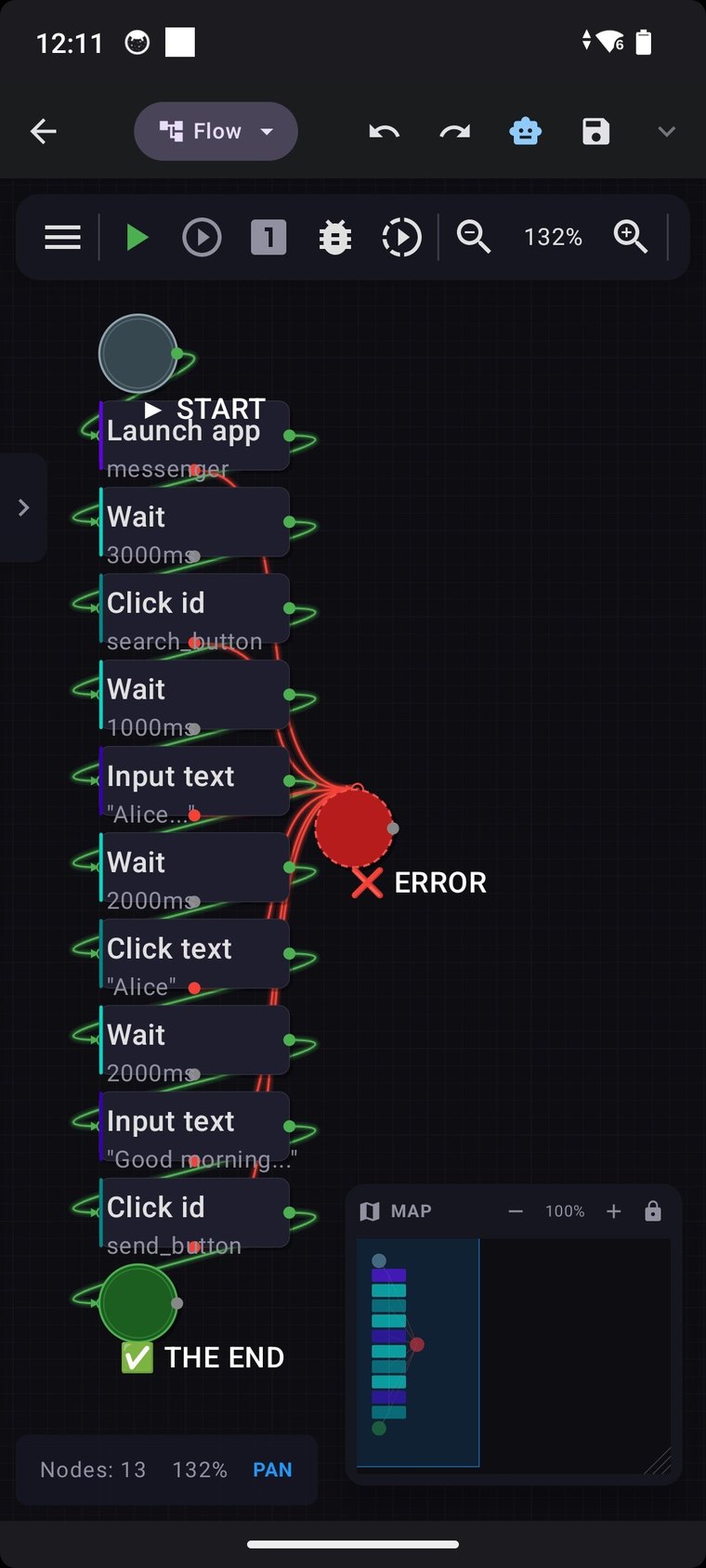
Visual macro constructor 400+ actions
Assemble scenarios from steps without code — taps, long-presses, swipes,
drag & drop, pinch-zoom, multi-touch, text input and scrolling. Record your actions
and play them back. Go beyond clicks with full flow control: conditions, loops,
subroutines, try/catch and parallel execution.
Recorder & playback
Action replay
Conditions & loops
Subroutines
try / catch
Parallel runs
👁️
See the screen
Act on what's actually visible. OCR finds and reads text
and taps it; image matching locates an element by template;
Accessibility reads UI by id, text or coordinates — and waits until it appears.
OCR
Image match
Wait-for-element
⏱️
Runs itself
Set it once, let it run. Launch on a schedule, when you enter a
geofenced area, tap an NFC tag, receive a notification, or on system events.
Time / schedule
Geofence
NFC
Notifications
System events
🪄
Built-in AI assistance cloud · self-hosted · on-device
An AI Setup Assistant turns a plain-language description into ready-to-run macro steps, and a built-in AI data preprocessor cleans messy text or whole web pages into structured, LLM-ready data. Bring your own models —
cloud (OpenAI, Anthropic Claude, Google Gemini, any OpenAI-compatible endpoint),
self-hosted on your LAN (Ollama / LM Studio), or fully offline
on-device (.task / .litert / .gguf) with no internet at all.
AI Setup Assistant
Data preprocessor
Image analysis
Video analysis
Image / video gen
Translate
Sentiment
Speech-to-text
TTS
AI memory
🌐
Network & integrations
Connect Automator to any service by API. Built-in HTTP server, HTTP requests,
file downloads, LAN transfer, WebSocket, MQTT client, FTP/SFTP, network device
discovery and proxy support.
HTTP serverHTTP requests
WebSocketMQTT
FTP / SFTPLAN transfer
Device discoveryProxy
🗂️
Data & files
Variables, lists, tables and a local database (SQLite-style actions).
Parse and build JSON/XML, process with regex, encode/decode, hash,
encrypt/decrypt, zip archives, manipulate files, and generate or scan QR & barcodes.
Variables & listsSQLite
JSON / XMLRegex
Crypto & hashingZIP
QR / barcodesUniversal convert
📄
Documents & media
Edit PDF and DOCX, process images, drive the camera for photo, video and
continuous capture, and stream your device.
PDFDOCX
Image editingCamera
Streaming
📱
Device control & communications
Reach the whole phone: SMS (read/send), contacts, calls (dial/answer/end),
calendar, notifications, clipboard, Wi-Fi/Bluetooth/flashlight/volume/brightness,
screen lock, alarms, location & maps, intents, shell commands, vibration, and
battery/app info.
SMS & callsContacts
CalendarClipboard
Wi-Fi / BTBrightness / volume
Location & mapsIntents
ShellAlarms
Remote control
🔐
Privacy & control
Runs without root. AI keys are stored encrypted. On-device mode works
fully offline. And Automator always explains, in plain terms, why it asks for
Accessibility.
No root
Encrypted keys
Offline mode
 AutomatorSmart Macro Tool